Skip to content
The App Auto-Patch logo

App Auto-Patch

A native macOS app that keeps third-party applications up to date by driving Installomator under a persistent root LaunchDaemon.

Keep apps current automatically

A periodic background pass finds apps with updates available that aren’t currently running and patches them silently.

MDM-friendly

Every preference is honored through the xyz.techitout.appAutoPatch domain. Existing 3.5.0 profiles carry over; check PatchWeekStartDay, which now counts Sunday as 1.

Self-update

Turn it on and AAP patches itself with the appautopatch4 Installomator label, through the same pipeline it uses for every other app.

Audit trail

Per-app receipt history and a timestamped deferral event log answer the “I never saw a prompt” question without log grepping.

Guided first run

A three-step setup wizard approves the helper, deploys Installomator and discovers apps. Managed Macs skip it automatically.

One-click diagnostics

Generate a diagnostic bundle with logs, redacted prefs, helper state and receipts for faster support.

Native Mac app

4.0

Native Mac App.

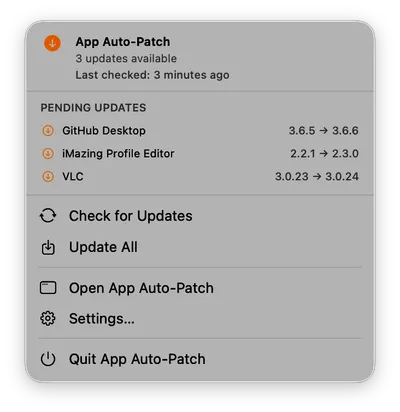
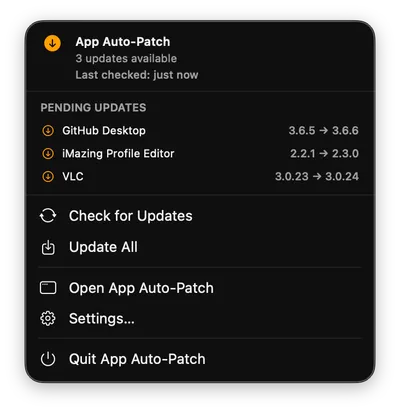
Rebuilt in Swift and SwiftUI for macOS 14 and later, with a Status Dashboard, a menu bar item, Settings and a log viewer. Prompts and notifications are native, and the preference domain is the same as 3.x.

  • xyz.techitout.appAutoPatch

Privilege separation

4.0

A Root Helper.

Patching goes from the app through an XPC service to a root LaunchDaemon that runs Installomator. Approve the helper once with a Service Management profile, and updates install without an administrator password.

  • com.apple.servicemanagement
  • AutoResetHelperOnLaunch

Silent deployment

4.0

Background Patch Closed Apps.

Apps that aren’t open update silently. Run the schedule in the app, or in the root helper so it keeps going after users quit or log out.

  • BackgroundPatchClosedAppsScheduler
  • BackgroundPatchAtLogin

Performance

4.0

Staged Installs.

Installers download before anything installs, so the install reuses the local copy. The root helper checks for updates on your schedule.

  • WorkflowStageUpdates
  • DiscoveryFrequency

Workflow scheduling

4.0

Cycles & Deadlines.

Weekly, every few days, or monthly from Patch Tuesday. Require updates by day, time or deferral count, and hold required installs of open apps until business hours end.

  • MonthlyPatchingCadenceEnabled
  • DeadlineDaysHard
  • DeadlineCountHard
  • BusinessHoursStartTime

User experience

4.0

Focus-Aware Prompts.

Focus, Do Not Disturb, presentations and video calls hold the prompt back automatically, within limits you set. Users choose from a deferral menu.

  • DeadlineDaysFocus
  • DeferralTimerMenu
  • IgnoreDNDApps

Update policy

4.0

Open Apps, Handled.

App Auto-Patch’s prompt tells users first; then an open app is asked to quit and force-quit if needed. Set a different action for hard-deadline installs.

  • BLOCKING_PROCESS_ACTION
  • HardDeadlineBlockingProcessAction

Notifications

4.0

Banners & Alerts.

Informational banners come and go; alerts that need action stay until users act. Move any notification type between the two.

  • TemporaryNotificationTypes
  • PersistentNotificationTypes

Reporting & ecosystem

4.0
  • Audit trail: receipts and deferral history for every app, right on the dashboard.
  • Compliance status: compliance.json, with a Jamf Pro extension attribute and an Intune custom attribute.
  • Webhooks: run summaries to Slack or Microsoft Teams.
  • Jamf Pro patch source: keep App Auto-Patch itself current with a patch policy.
  • Manifests: iMazing, ProfileCreator and Jamf Pro, with the first build that reads each key.
  • Configuration Helper: build, check and upload your profiles with a guided Mac app.
  • WebhookFeature
  • compliance.json

Setup, diagnostics & upgrades

4.0
  • Guided first run: approve the helper, deploy Installomator and discover apps.
  • Diagnostic bundle: logs, redacted preferences, helper state and receipts in one click.
  • Self-healing helper: restarts itself if it stops responding.
  • Self-update: optional, with the appautopatch4 Installomator label.
  • Clean upgrade: the package removes 3.x before it installs 4.
  • Notarized package: and one link that always points at the newest build.
  • SelfUpdateEnabled

Latest builds

Build 115

Released October 26, 2026

  • Build 115: `IgnoreAppsInHomeFolder` leaves out apps in users' home folders, as in 3.x
  • Build 115: `ConvertAppsInHomeFolder` moves an updated app's home-folder copy to the Trash
  • Build 115: `JamfReconAfterPatching` updates Jamf Pro inventory after patching
  • Build 115: After an update, a standard user's deferral events were not saved

Build 114

Released October 23, 2026

  • Build 114: `uninstall.sh` left App Auto-Patch 3.x's main LaunchDaemon and command behind

Build 113

Released October 22, 2026
  • Build 113: `HardDeadlineBlockingProcessAction` sets what a hard-deadline install does to open apps
  • Build 113: Without a `BLOCKING_PROCESS_ACTION` of their own, Installomator options now use `quit_kill`
  • Build 113: Unused code that disagreed with the code in use
  • Build 113: A hard deadline never installed an update for an open app when nobody answered Installomator's dialog
  • Build 113: `AggressivePatchDayDeferral` had no effect
  • Build 113: The deferral prompt ignored `DeferralTimerDefault` unless it was the shortest choice
  • Build 113: A `DeferralTimerMenu` array was ignored
  • Build 113: Changing `PatchWeekStartDay` never moved later cycles
  • Build 113: An app ignored after its update was found was still staged and kept the cycle open
  • Build 113: `compliance.json` kept ignored apps and showed installs up to a minute late
  • Build 113: An app stayed missing after it was removed from `IgnoredLabels`
  • Build 113: A helper waiting for approval was reported as a leftover registration
  • Build 113: A slow first discovery ran twice
  • Build 113: Display assertions went unseen while any assertion name had a character such as ’

Read the full release notes

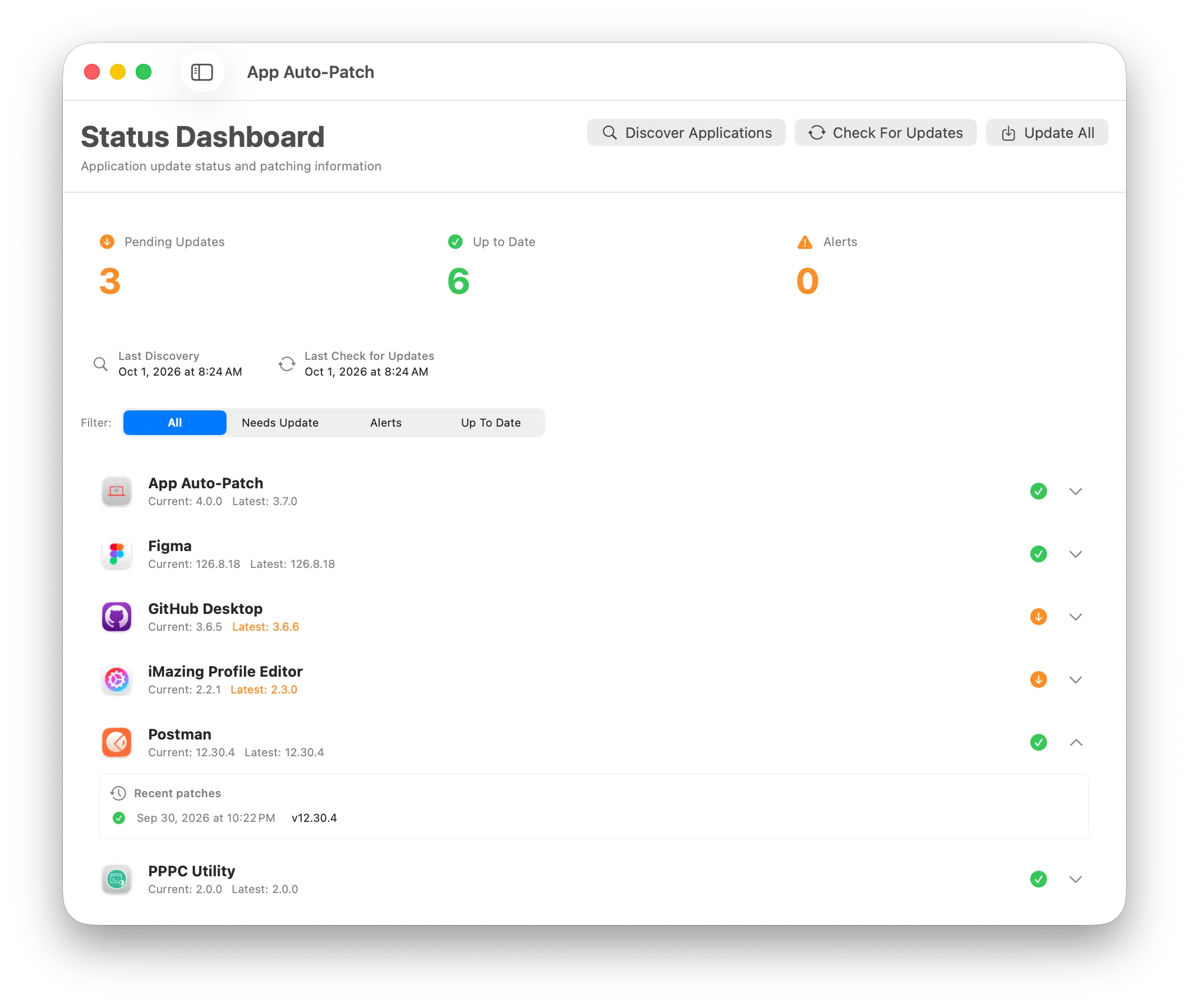
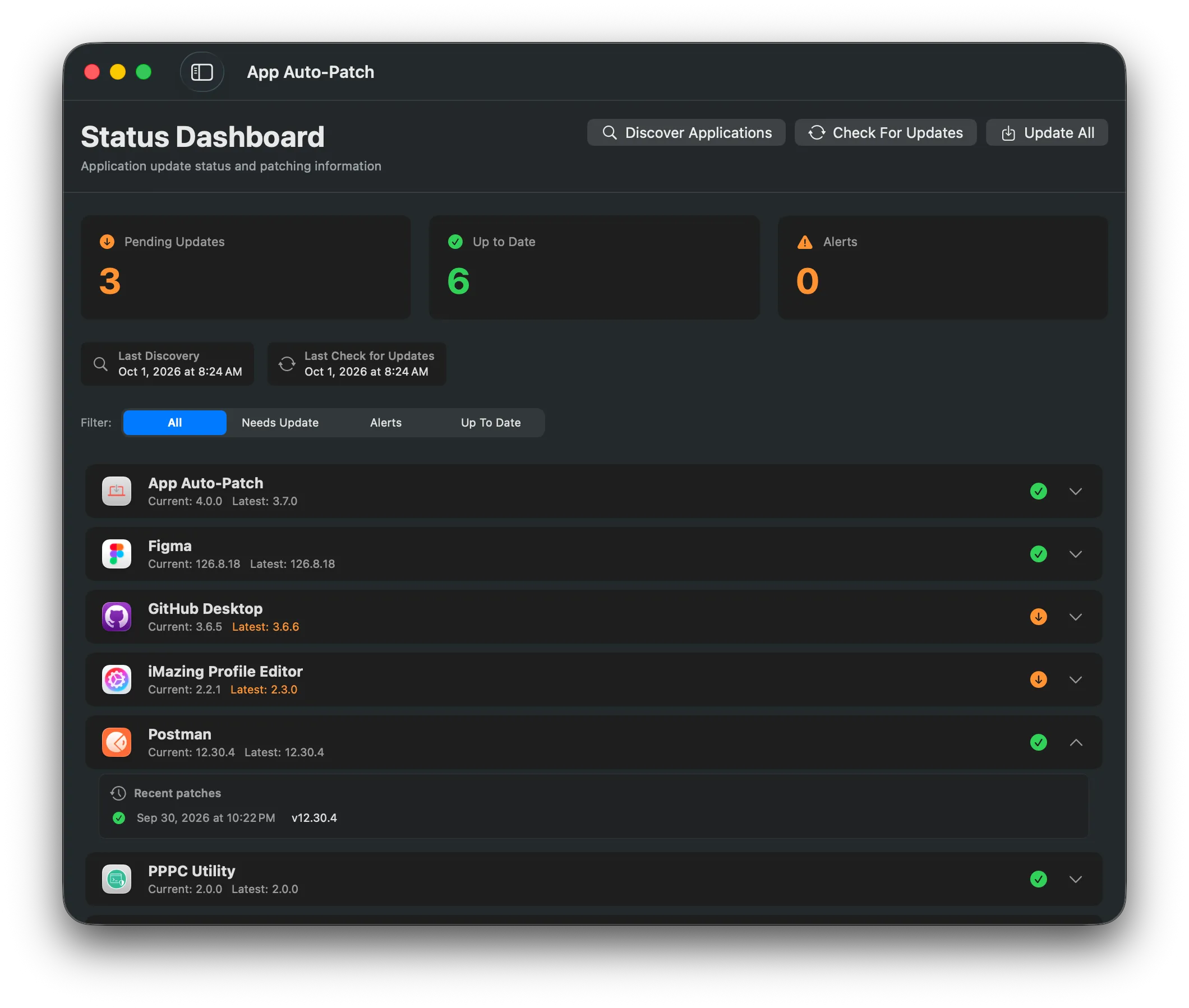
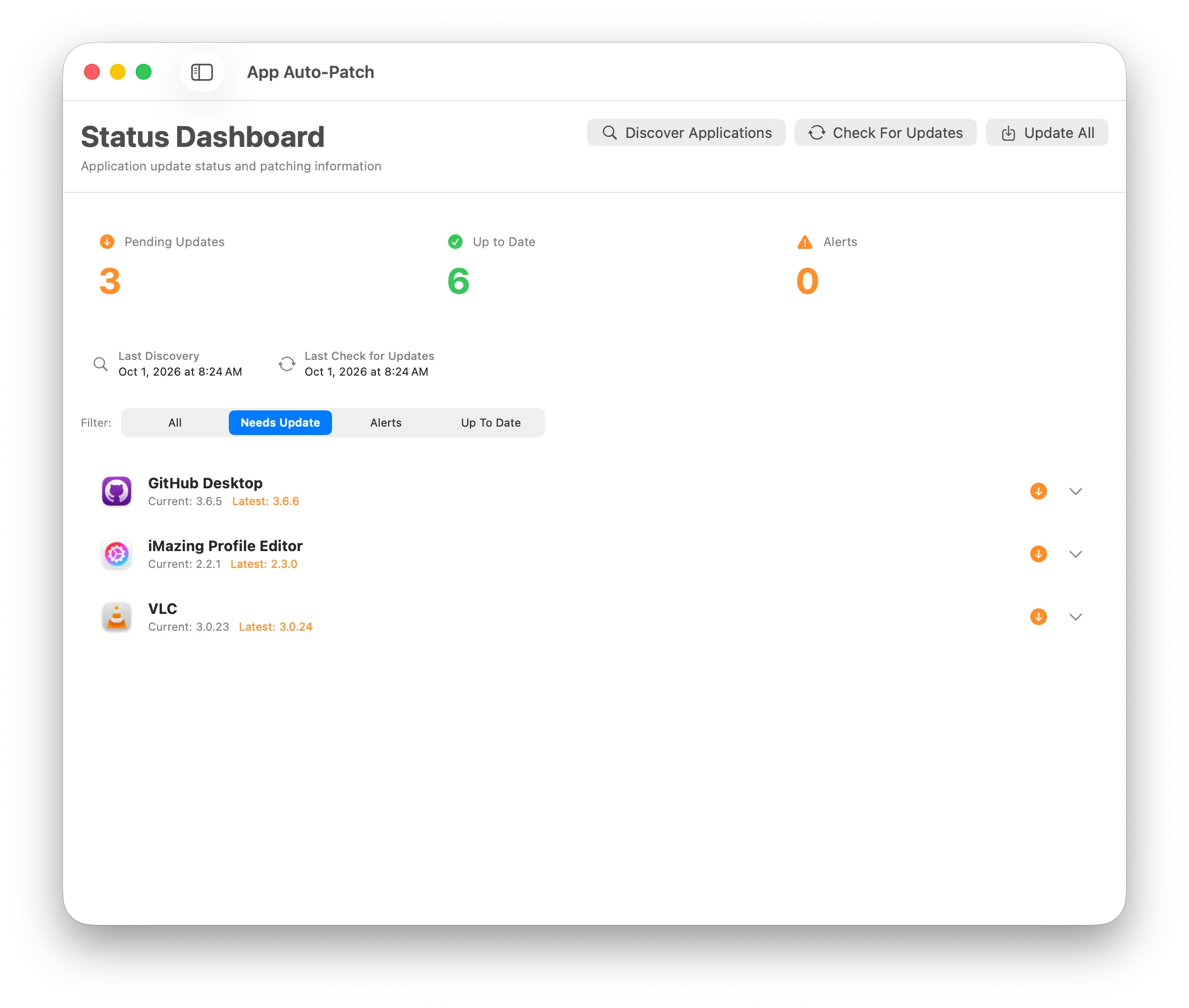
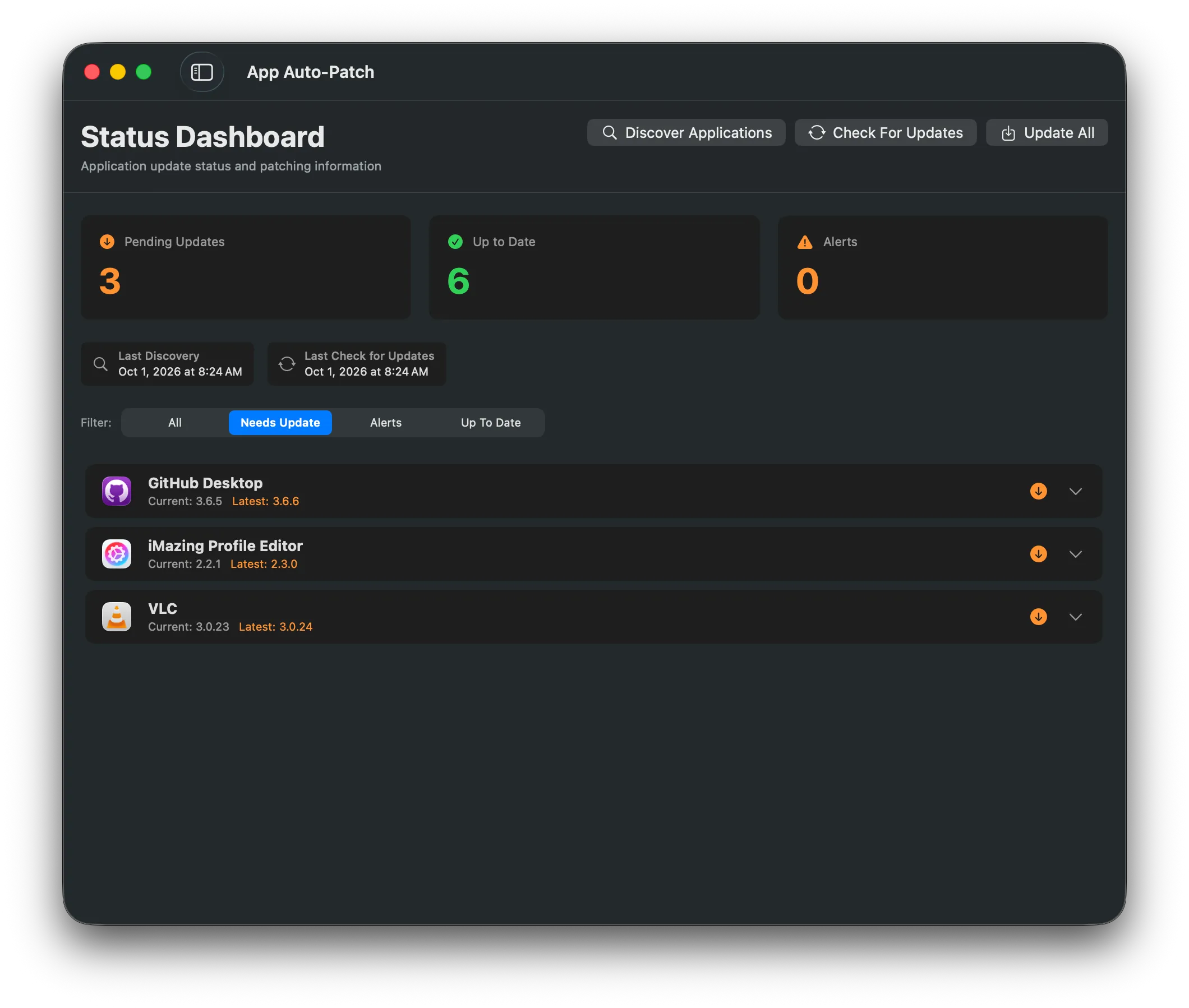
The status dashboard listing every discovered app with its installed and latest versionThe status dashboard listing every discovered app with its installed and latest version
  • macOS 14 (Sonoma) or later
  • Apple Silicon or Intel
  • Admin rights on first launch to approve the root helper LaunchDaemon